Website accessibility means designing your site so people with visual, hearing, motor, or cognitive disabilities can use it without barriers. In 2026 it is both a legal expectation in many regions and a business advantage, because accessible sites rank better, work better on mobile, and convert more visitors. The fastest place to start is keyboard navigation, descriptive image alt text, strong colour contrast, proper heading structure, and clearly labelled forms.
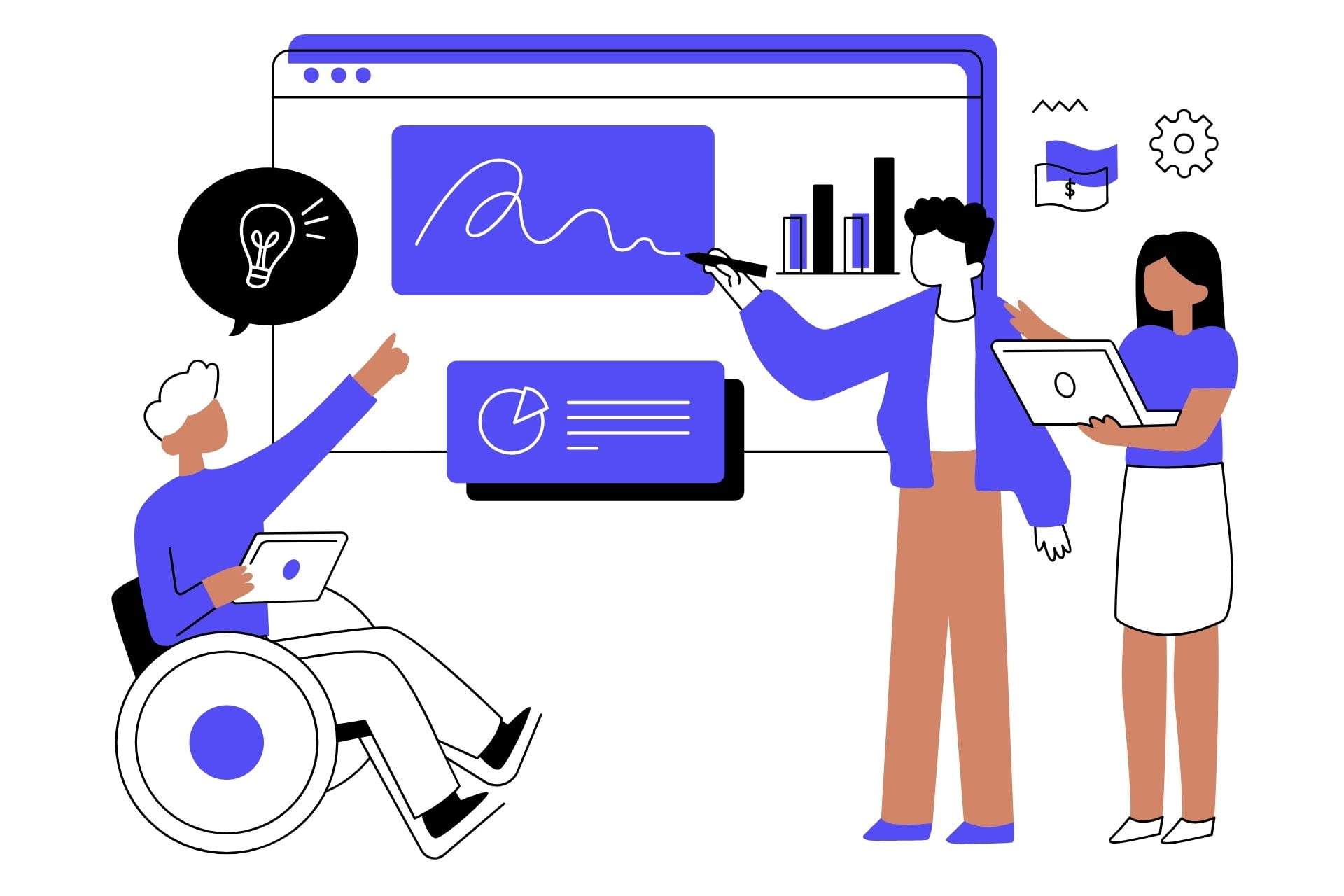
For years, web accessibility was treated as a nice-to-have, something to get to eventually. That era is over. In 2026, accessibility is a baseline expectation for any serious business website, and in a growing number of regions it is a legal requirement that carries real financial risk if ignored.
The audience is far larger than most business owners realise. Roughly one in six people worldwide lives with some form of disability. That includes people with permanent conditions, temporary injuries, and situational limitations, like trying to read a screen in bright sunlight or navigate a site one-handed while holding a child. When your website is inaccessible, you are not turning away a niche group. You are turning away a significant share of your potential customers.
The encouraging part is that accessibility and good business go hand in hand. The same practices that help a screen reader user also make your site faster, cleaner, more usable on mobile, and easier for search engines to understand. This guide explains what matters, why it matters, and exactly where to start, in plain language for business owners rather than developers.
What Does Web Accessibility Actually Mean?
Web accessibility is the practice of building websites that everyone can perceive, understand, navigate, and interact with, regardless of ability. The internationally recognised standard is the Web Content Accessibility Guidelines, known as WCAG. Most accessibility laws around the world reference WCAG as their benchmark, and its current level AA is the practical target most businesses aim for.
WCAG is organised around four principles, often summarised as POUR. Content must be Perceivable (people can sense it, whether by sight, sound, or touch), Operable (people can use it with whatever device or input they have), Understandable (the content and interface make sense), and Robust (it works across browsers, devices, and assistive technologies). You do not need to memorise the standard. You just need to understand that these four ideas guide every practical step below.
Why Accessibility Matters for Your Business in 2026
It Is Increasingly a Legal Requirement
Accessibility-related lawsuits and complaints have risen sharply over the past few years. In the United States, businesses face claims under the Americans with Disabilities Act for inaccessible websites. In Europe, the European Accessibility Act now places clear obligations on a wide range of businesses. Other regions have their own equivalents. Whatever your market, the legal direction is one way: towards stricter expectations, not looser ones. An accessible site protects you from a category of risk that did not exist as seriously a few years ago.
It Directly Improves Your SEO
Accessibility and search optimisation overlap heavily. Descriptive image alt text helps both screen readers and search engines. A proper heading structure helps assistive technology and tells Google how your content is organised. Fast, clean pages help disabled users and rank better. Clear link text serves both. In practice, making your site accessible makes it more visible in search at the same time.
It Widens Your Market and Lifts Conversions
Every barrier you remove is a customer you keep. An accessible contact form gets submitted by more people. An accessible checkout completes more often. Accessibility improvements tend to make a site simpler and clearer for everyone, which is why they frequently lift conversion rates across the board, not just for users with disabilities.
The Five Accessibility Priorities to Start With
You do not need to fix everything at once. These five areas deliver the most impact for the least effort and address the most common failures we see on business websites.
1. Make Your Site Fully Keyboard Operable
Many people navigate the web without a mouse, using a keyboard, switch device, or other assistive input. Every interactive element on your site, every link, button, menu, and form field, must be reachable and usable with the keyboard alone, typically using the Tab key to move and Enter or Space to activate.
Test it yourself in two minutes: put your mouse aside and try to navigate your homepage and complete your contact form using only Tab, Enter, and the arrow keys. If you get stuck, so does a real user, and they leave. Pay special attention to dropdown menus, pop-ups, and custom buttons, which are the most common places keyboard access breaks.
2. Add Descriptive Alt Text to Every Meaningful Image
Alt text is the written description a screen reader speaks aloud when it reaches an image, and it is also what search engines read to understand the image. Every image that conveys information needs alt text that describes its content and purpose.
A product photo should describe the product. An infographic should summarise its key point. A team photo can name who is shown. Images that are purely decorative and add no information should have empty alt text so screen readers skip them rather than reading out clutter. Avoid stuffing keywords into alt text; describe the image honestly and the SEO benefit follows naturally.
3. Fix Your Colour Contrast
Light grey text on a white background may look refined to a designer, but it is genuinely unreadable for many people, including anyone with low vision, colour blindness, or simply an older screen in a bright room. WCAG sets a minimum contrast ratio of 4.5 to 1 for normal text against its background.
You do not need to guess. Free tools like the WebAIM Contrast Checker let you paste in your text and background colours and tell you instantly whether they pass. Check your body text, your buttons, and any text placed over images, which is a frequent failure point.
4. Use a Proper, Logical Heading Structure
Headings are not just visual styling. Screen reader users navigate a page by jumping between headings, the way a sighted reader scans for the section they want. A page should have exactly one main H1, with H2 sub-headings beneath it, and H3s nested under those, in a logical order that never skips levels.
Beyond accessibility, this exact structure is what search engines use to understand how your content is organised, which is why a clean heading hierarchy helps your rankings and your snippet eligibility at the same time. Never use a heading purely to make text bigger; use it to mark a genuine section.
5. Label Every Form Field Clearly
Forms are where accessibility problems cost real money, because a form is usually where a visitor becomes a lead or a customer. Every field needs a visible label that is programmatically connected to its input, so a screen reader announces what each field is for. Placeholder text alone is not a substitute for a real label.
Error messages should explain in plain language what went wrong and how to fix it, and they should be announced to assistive technology rather than only shown with a colour change. A form that is confusing or inaccessible is a form that does not get submitted, and that is lost revenue you never see.
How to Audit Your Own Website Today
You can get a useful first read on your site’s accessibility in under an hour, without technical skills:
- Run a free automated checker such as WAVE or Google Lighthouse on your most important pages. These flag obvious issues like missing alt text, low contrast, and unlabelled form fields.
- Put your mouse aside and navigate your homepage, a key service page, and your contact form using only the keyboard. Note anything you cannot reach or use.
- Turn on your device’s built-in screen reader (VoiceOver on Mac and iPhone, Narrator on Windows, TalkBack on Android) and listen to how your homepage is read aloud. It is eye-opening.
- Check your colour contrast on body text, buttons, and text over images with a free contrast checker.
Automated tools catch roughly a third to a half of issues; the keyboard and screen reader tests catch many of the rest. Together they will put you well ahead of most business websites and give you a clear, prioritised list of what to fix.
Frequently Asked Questions
No schema found.Making Your Website Work for Everyone
Accessibility is no longer optional. It protects your business legally, widens your market, improves your search visibility, and lifts your conversions, all from the same set of improvements. The best time to address it was when your site was built. The second best time is now.
Zluck builds and rebuilds websites to be accessible, compliant, fast, and easy to use for every visitor. If you are not sure where your site stands, we can audit it, give you a clear prioritised list of issues, and handle the fixes. Get in touch for a free website accessibility review.